Ruler
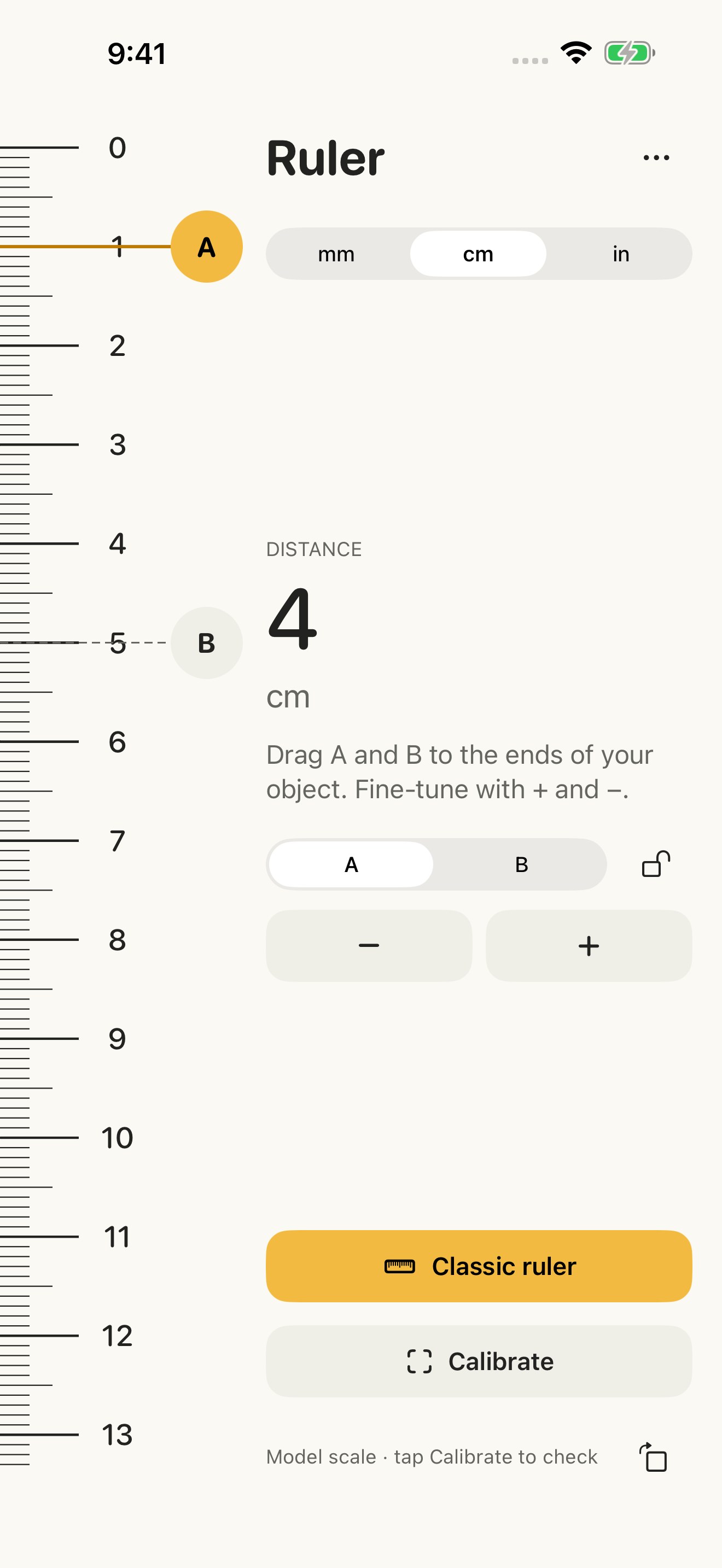
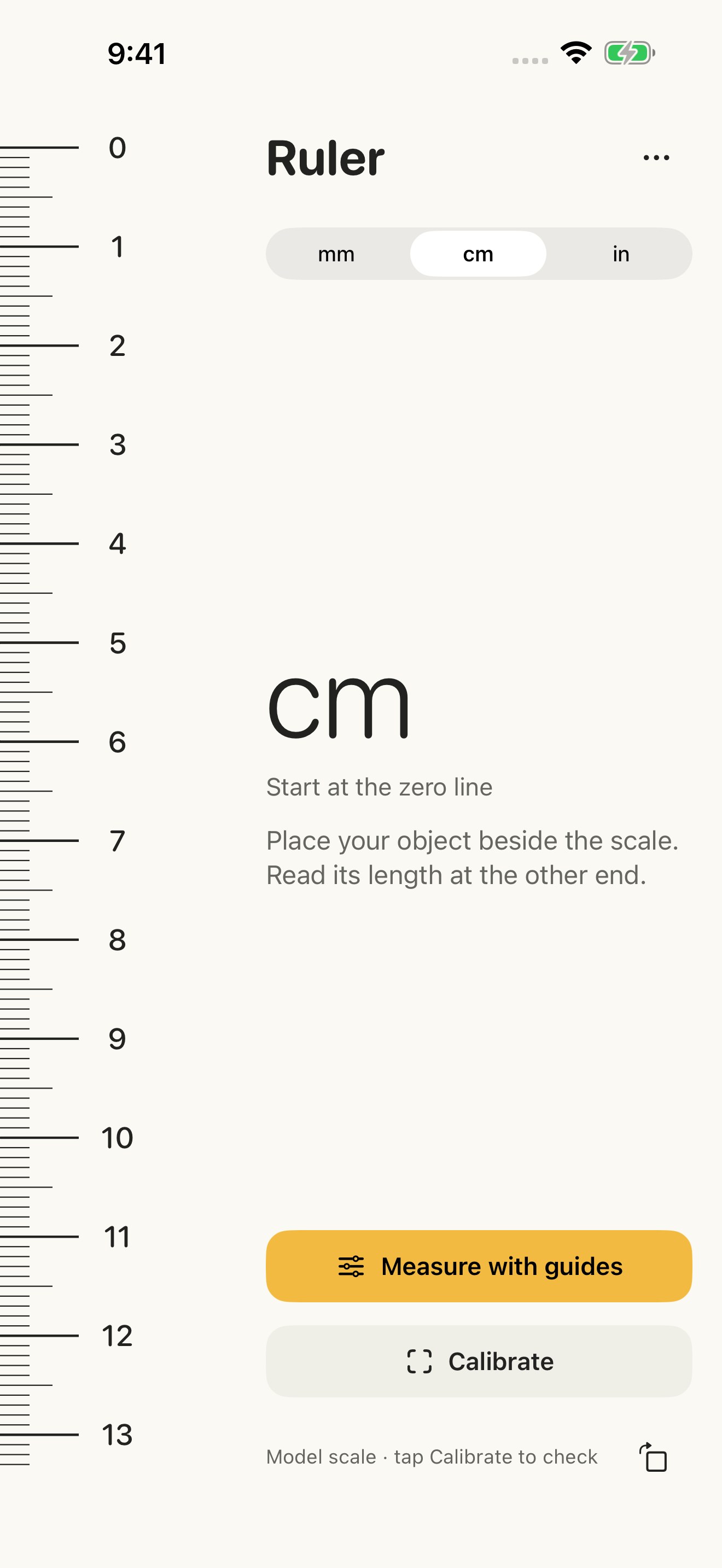
Open Ruler, place a small object beside your iPhone and read its length. A focused measuring tool, always close at hand.
Open Ruler, place a small object beside your iPhone and read its length. A focused measuring tool, always close at hand.
FREE RULER • Millimeters, centimeters and inches • Clear numbers and fine subdivisions • Portrait and landscape with orientation lock • Free calibration you can save, repeat and reset • Light and dark appearance • VoiceOver labels and adjustable measurement controls
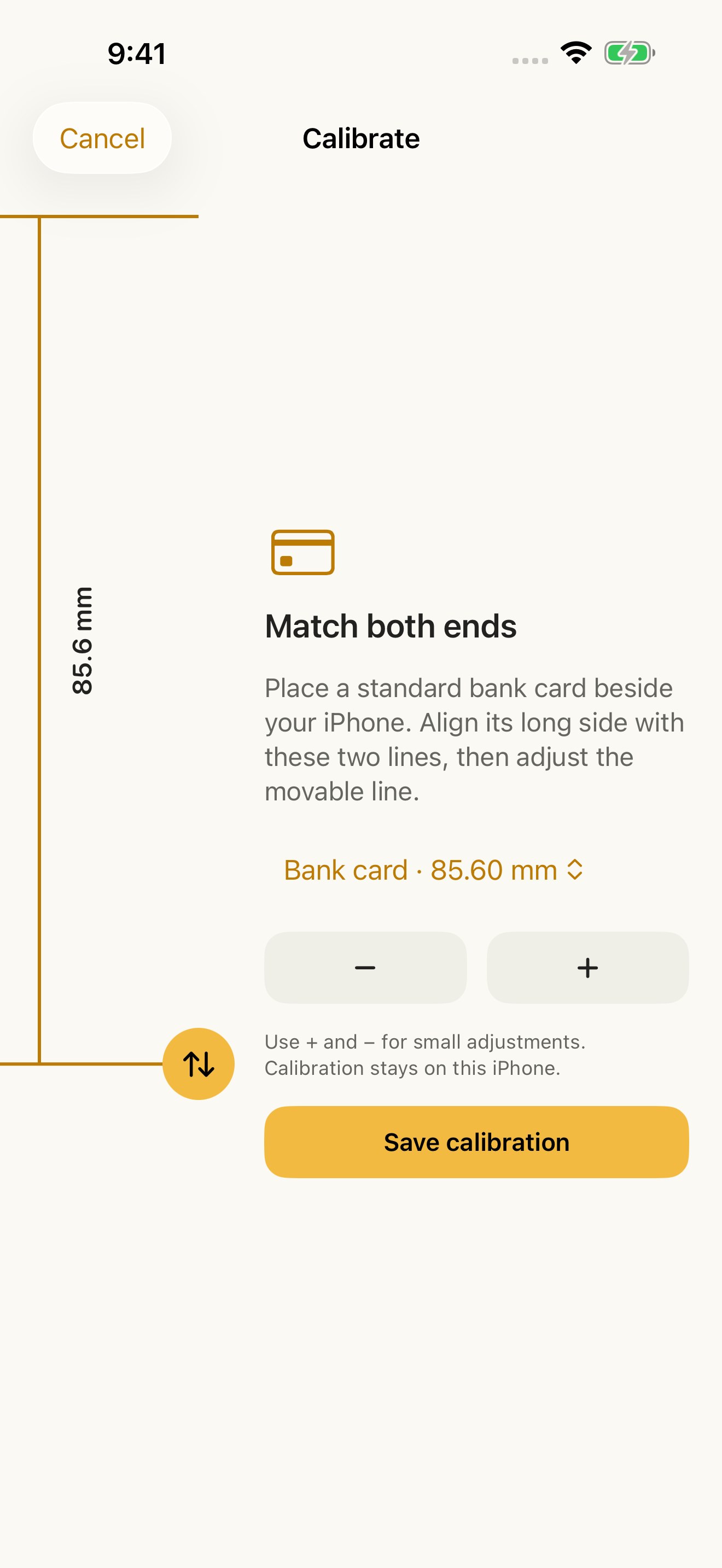
CHECK YOUR SCALE Known iPhone models start with a model-based scale estimate. Calibrate visually using the long side of a standard bank card (85.60 mm), or a physical ruler reference of 50 or 80 mm. Unknown models require calibration. Start at the visible zero line, not the phone's casing. Verify against a real ruler before relying on a measurement. Accuracy depends on your display and calibration; Ruler is not a certified measuring instrument.
OPTIONAL PREMIUM Place two movable guides at the ends of an object and see the distance update as you move them. Fine-tune with + and − and lock the guides. Choose monthly, annual or lifetime access. All options unlock the same Premium features; the classic ruler and calibration remain free. Prices are shown in your local App Store currency before purchase. Lifetime is a one-time purchase and does not automatically cancel an existing subscription.
A closer look